
Argentina vs Brazil, 7:30 PM local.
World Cup 2026 reminder app
World Cup 2026 schedule reminders. Scan it once. Never ask if the match is today. Again.
From World Cup 2026 schedule screenshots and Canva flyers to local-time reminders, Invited automatically turns match-day chaos into one clean plan.
Auto timezone conversion
Works from screenshots
Automatic reminders
No manual setup
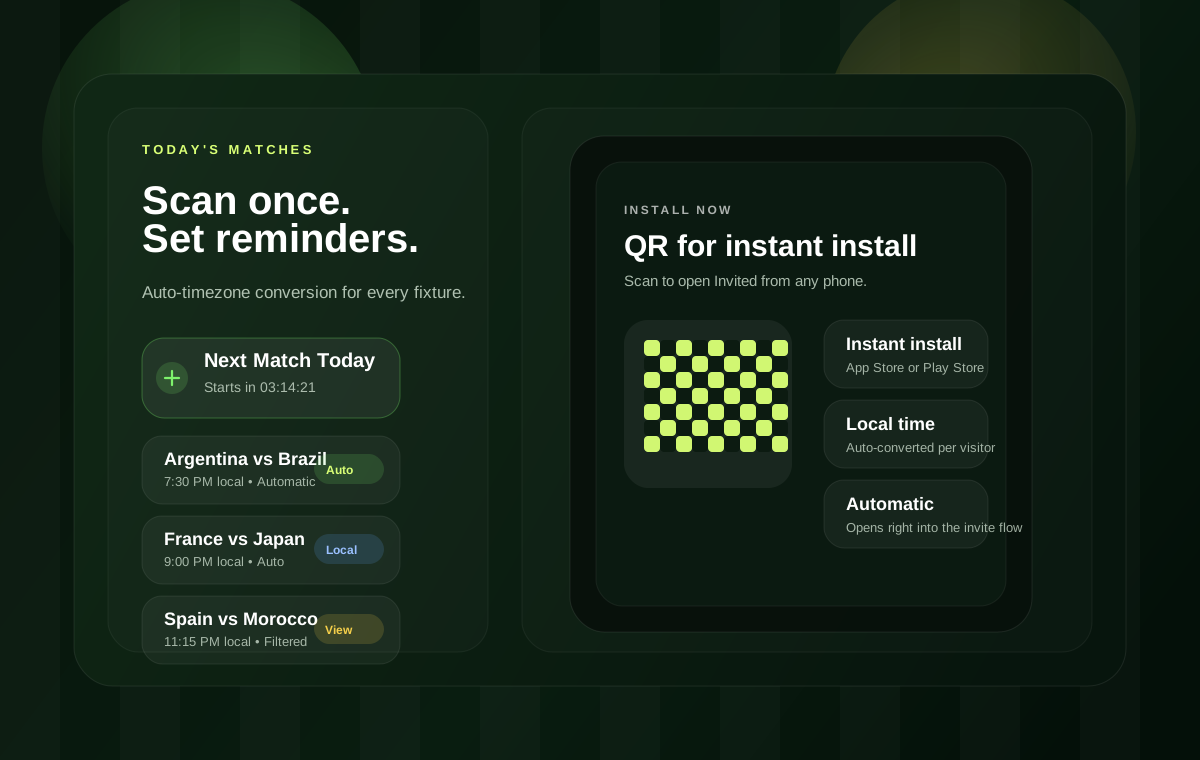
Instant install
Scan the board or tap a store badge
Perfect for the friend who only sends the fixture screenshot in the group chat. The app handles the rest automatically.
Today's World Cup matches
World Cup 2026 fixtures that do something.
The page shows the automatic result for World Cup 2026 fixtures. The app creates the reminder cards after one scan.
Pain points
The match-day chaos people actually feel.
Short, relatable scenarios with one clean fix under each one.
Bro texted "match starts in 10 min" and you're still in the shower.
Auto-reminders 1 hour, 30 minutes, and right at kickoff.
The fixture list PDF got buried under 200 messages in the family group.
Scan it once, and every match gets added instantly.
You know it's at 1:30 AM your time but cannot do the math every day.
Auto timezone conversion built in.
Your friend made a watch-party poster and nobody saved the address.
Scan the poster, get venue and time as a reminder.
You only care about your team's matches, not all 104 games.
Pick your team and get reminders only for their fixtures.
How it works
Three steps, one clean plan.
Screenshot the schedule or any poster, let AI read it, and get the reminders without manual setup.
Screenshot the schedule
Use a fixture image, poster, or WhatsApp screenshot. Even a messy flyer is enough to start.
AI reads the event details
Invited extracts the match, the time, the venue, and the extra context that matters for your group.
Reminders get created automatically
Set kickoff, halftime, and watch-party reminders with local time conversion already handled.
Team selector
Follow one country. Ignore the rest.
Pick a flag once in the app, and the feed filters itself to only the fixtures you care about.
Argentina
Auto filtered feed
Local time ready
Personalization is the point. The match list collapses to the games you actually care about without extra taps on the page.
The website shows the filtered result. The app does the country
selection and reminder setup automatically.
Automatic filter
4 matches
All teams
Choose a team once in the app to keep the feed focused.
Watch party scanner
Flyers and screenshots become reminders.
Upload a poster or drop in a screenshot inside the app. Invited extracts the venue, time, and host so nobody loses the plan.
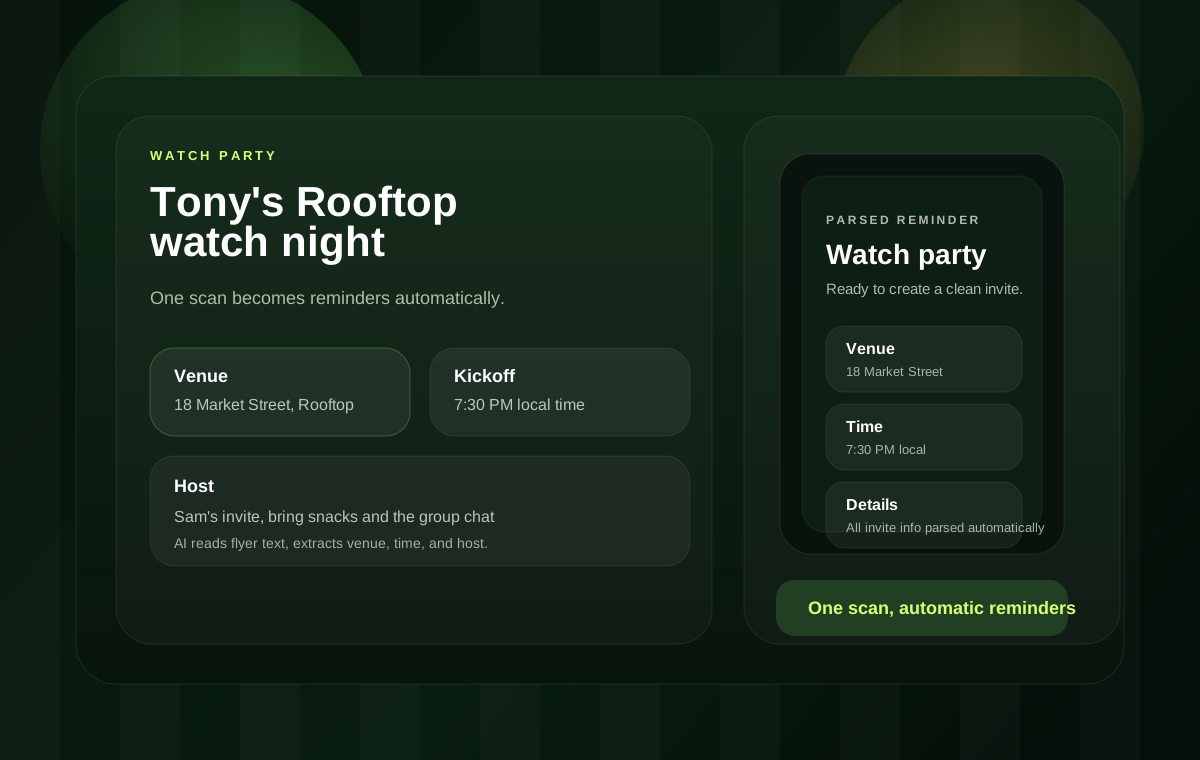
Parsed details
Automatic scan
Invite summary
In the app, AI reads these details automatically. On the page, the upload preview gives people the same wow moment without asking them to do anything here.
Venue
Tony's Rooftop, 18 Market Street
Time
7:30 PM local
Host
Sam
FAQ
What World Cup fans ask before match day.
Quick answers so the page stays honest, clear, and easy to trust.
Is this an official FIFA page?
No. This is an independent World Cup page for Invited and is not affiliated with FIFA or any tournament organizer.
Does it work with screenshots and posters?
Yes. That is the main story of the page: use a schedule image, a WhatsApp screenshot, or a watch-party flyer, then the app turns it into reminders automatically.
Can I follow only one team?
Yes. The team selector is built to keep only the fixtures that matter to your country or favorite squad.
Does it convert kickoff to my local time?
Yes. The campaign is built around local-time reminders so the page feels instantly useful to fans anywhere.
Ready for match day?
Download Invited for World Cup 2026 reminders and turn every football night into a plan that runs on time. Keep kickoff, halftime, and watch-party reminders in one polished place.
Social proof
Built for the people who actually plan the night.
A clean reminder flow and a campaign demo counter to make the automatic result obvious at a glance.
reminder previews created in the campaign demo. Fans are using it to turn screenshots into plans instead of scrolling forever.
Group chat host
I sent one flyer and it turned into a clean reminder in seconds. That is the kind of shortcut people remember.
Away-game planner
The timezone conversion is the killer feature. No more guessing whether the kickoff is local or midnight.
Family thread manager
This is what the WhatsApp chaos needed. Scan once, then the reminder is ready for everyone.