Three taps. Zero typing.
Snap a document, check what Invited found, and get reminded before it matters. No account, no signup, no typing dates by hand.
Snap or share.
Any photo, screenshot, PDF or document with a date on it. Four ways in:
-
CameraPoint at a paper bill, card or letter.
-
Photo libraryPick a photo or screenshot you already have.
-
FilesChoose a PDF or document.
-
Share from any appSend an email attachment or chat image straight to Invited.
Events
Coming up
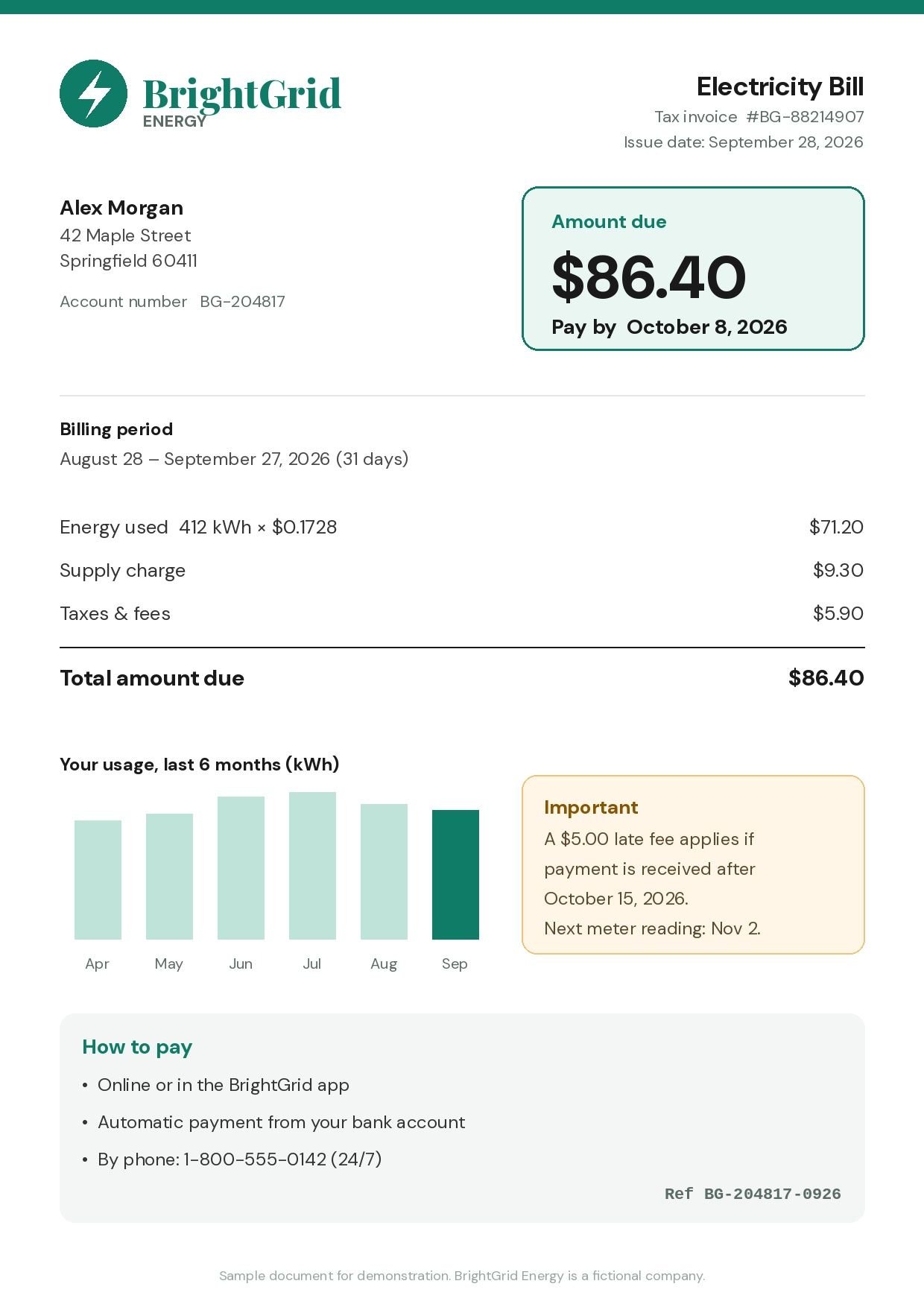
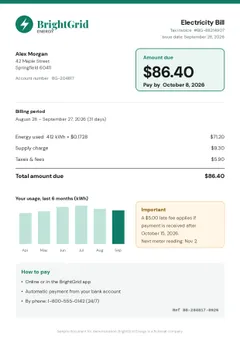
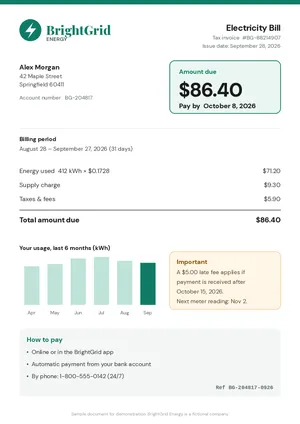
- Pay bill: BrightGrid Electricity ($86.40)
- Late fee starts: BrightGrid ($5.00)
- Car insurance renewal: Harbor Mutual ($412.00)
- Deposit cheque: First Meridian ($1,250.00)

AI reads it.
Invited's AI finds the dates, times, places and amounts, in 80+ languages and 9 calendar systems. One document can create several reminders: a bill's due date and its late-fee date, or every function on a wedding card.
To find the dates, the document is sent securely to an AI service that reads it.
Our AI is finding your due dates & events...
Extracting bills, checks & invites
- Load
- Read
- AI
- Done
Review before saving.
You see every date Invited found before anything is saved. Remove what you don't need, fix anything that looks wrong, or add a reminder by hand.
‹ BrightGrid Electricity Bill
- Pay bill: BrightGrid Electricity ($86.40)
- Late fee starts: BrightGrid ($5.00)
Edit or share anytime.
Every scan is filed with its reminders. Open one to edit a date, change the reminder time, share it with someone, or delete it. Your reminders are saved on your device.
- Pay bill: BrightGrid Electricity ($86.40)
Get reminded.
Choose when you hear about it. Set a default once, and change it for any reminder.
- 1 hour before
- 6 hours before
- 12 hours before
- 24 hours before
- 2 days before
Wednesday, October 7
9:41
Snap it. Invited remembers it.
Free to download. 3 free AI scans. No signup.


download