Snap anything with a date. We'll remind you.
Bills, cheques, renewals, invitations and appointments. Invited's AI finds every date, in 80+ languages, and reminds you before it matters.


download
- No signup
- 3 free AI scans
- Reminders saved on your device

Events
Coming up
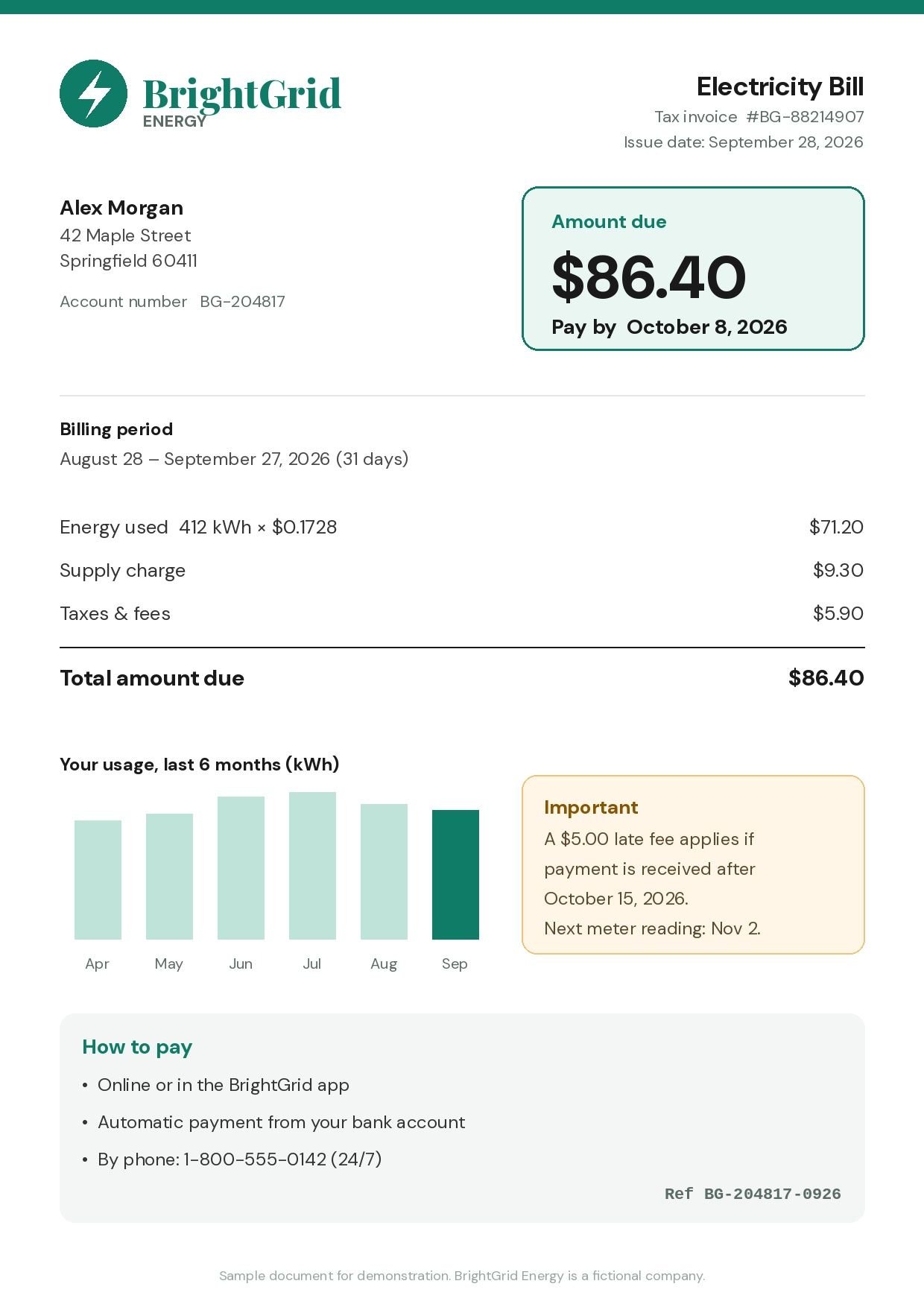
- Pay bill: BrightGrid Electricity ($86.40)
- Late fee starts: BrightGrid ($5.00)
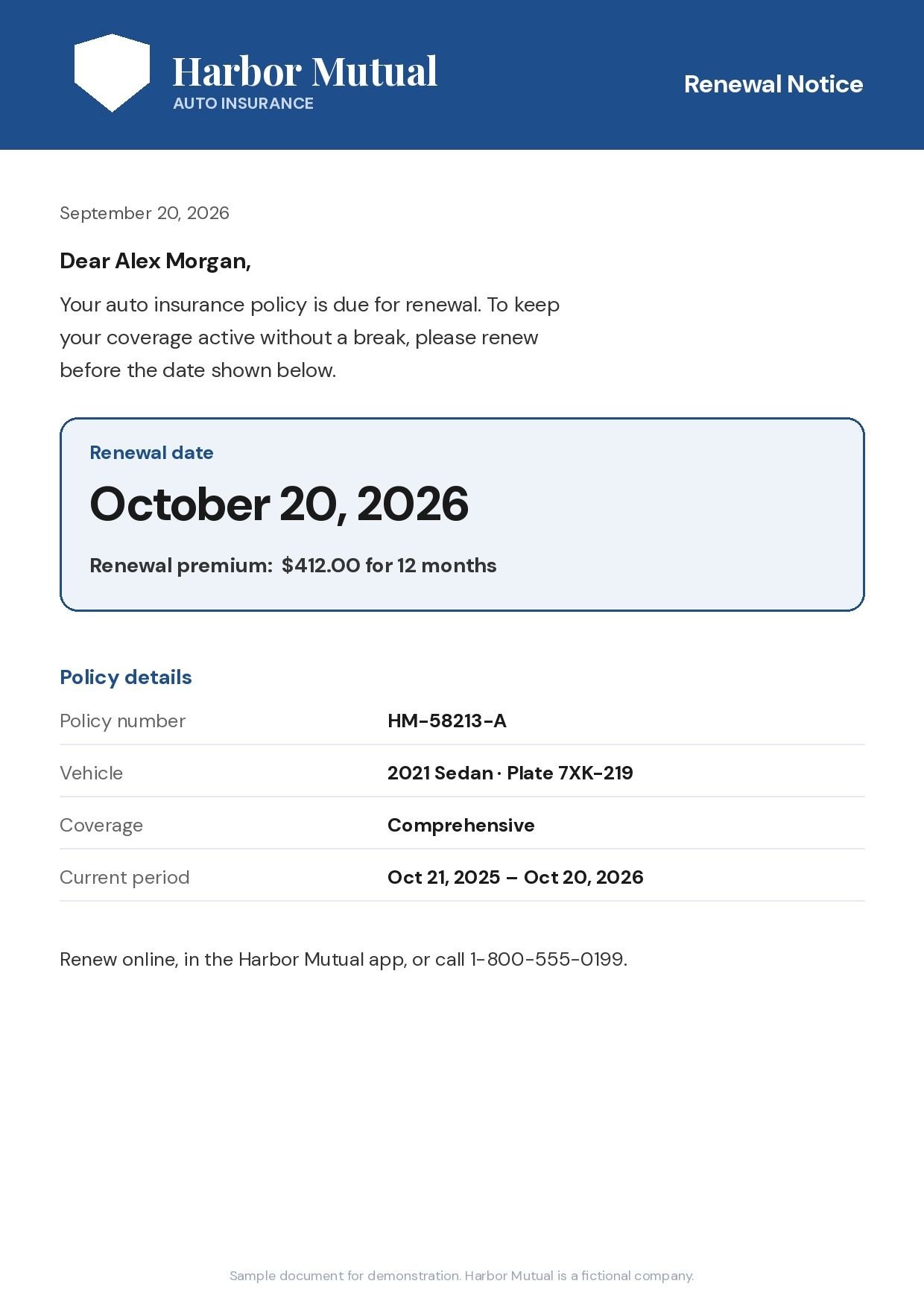
- Car insurance renewal: Harbor Mutual ($412.00)
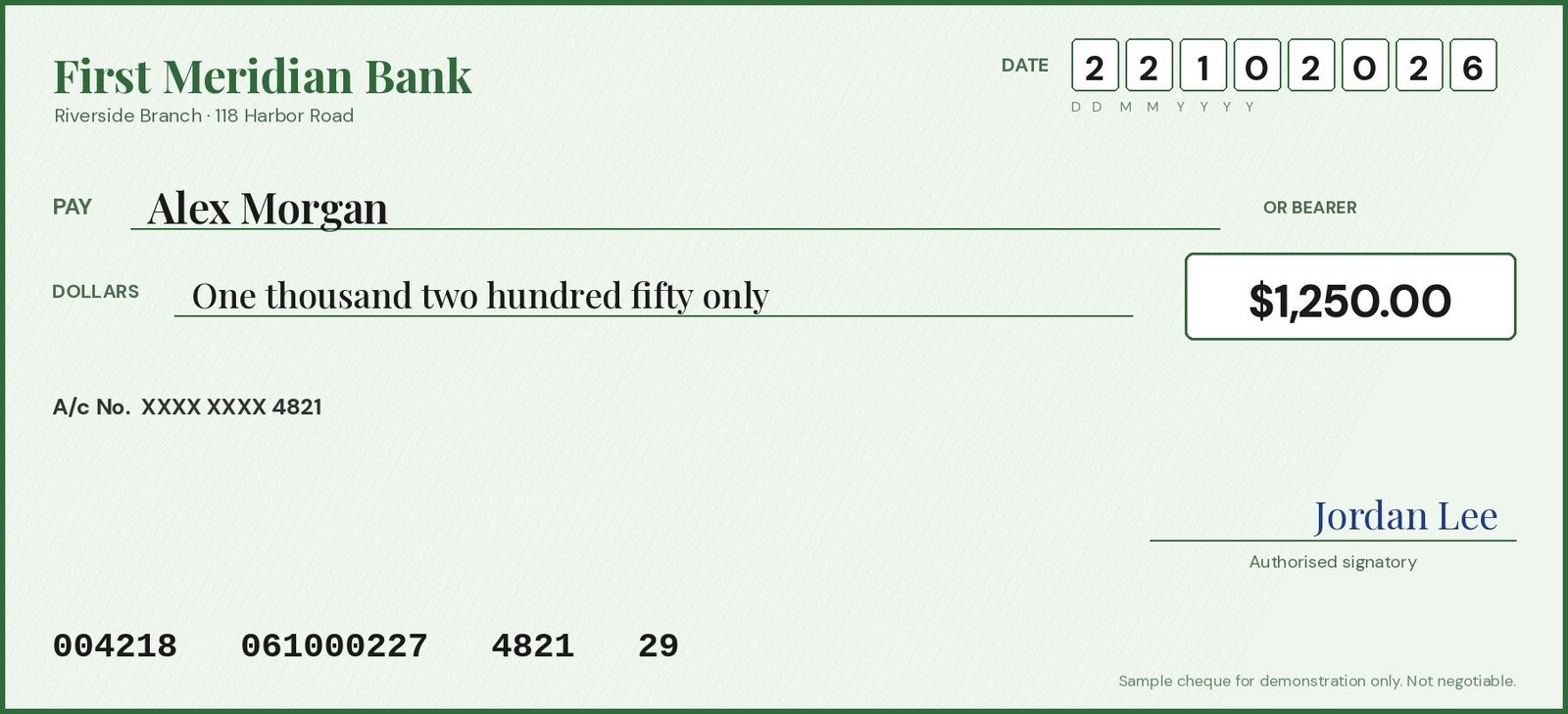
- Deposit cheque: First Meridian ($1,250.00)

Works with anything that has a date
- Electricity bill
- Cheque
- Car insurance
- Wedding card
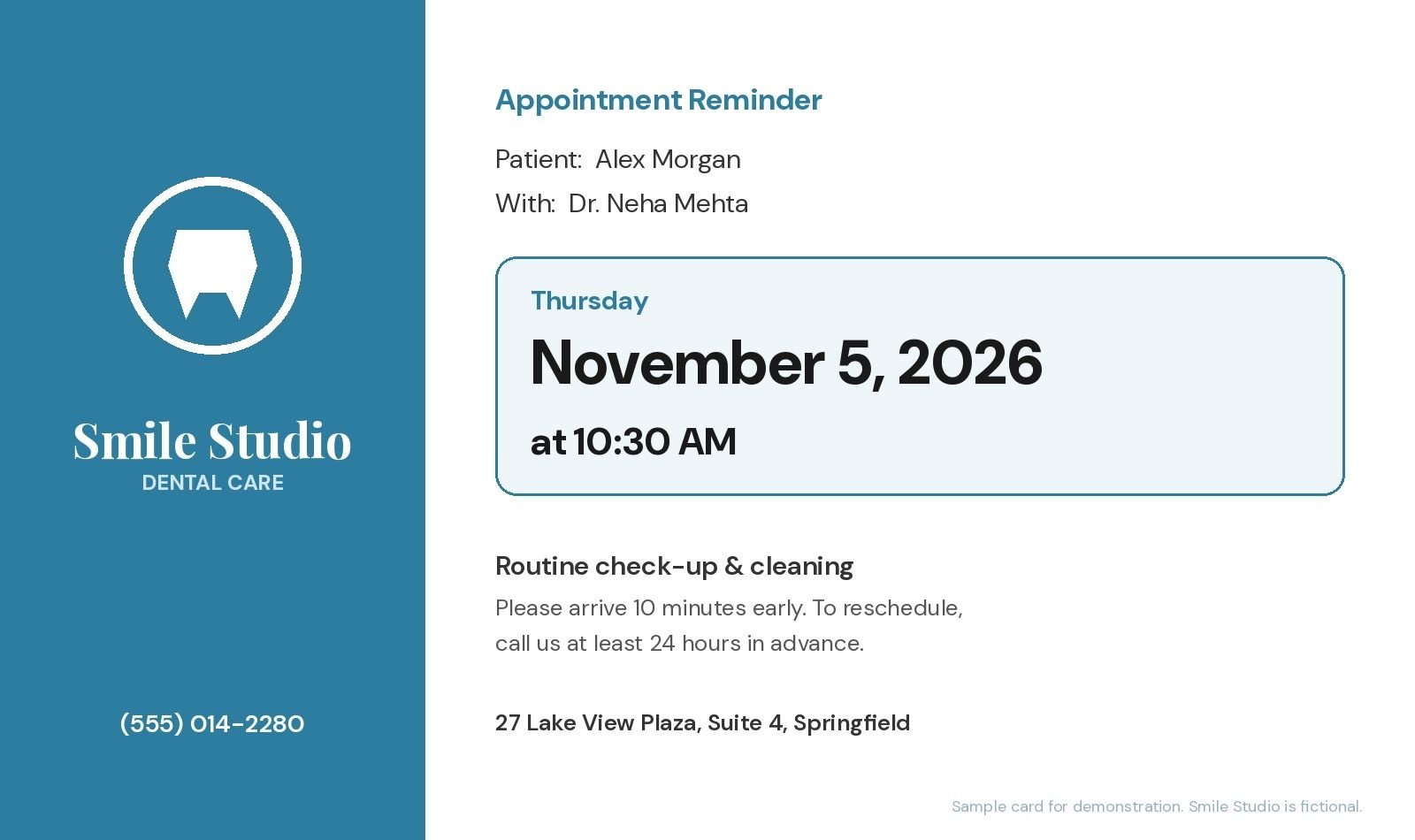
- Dentist visit
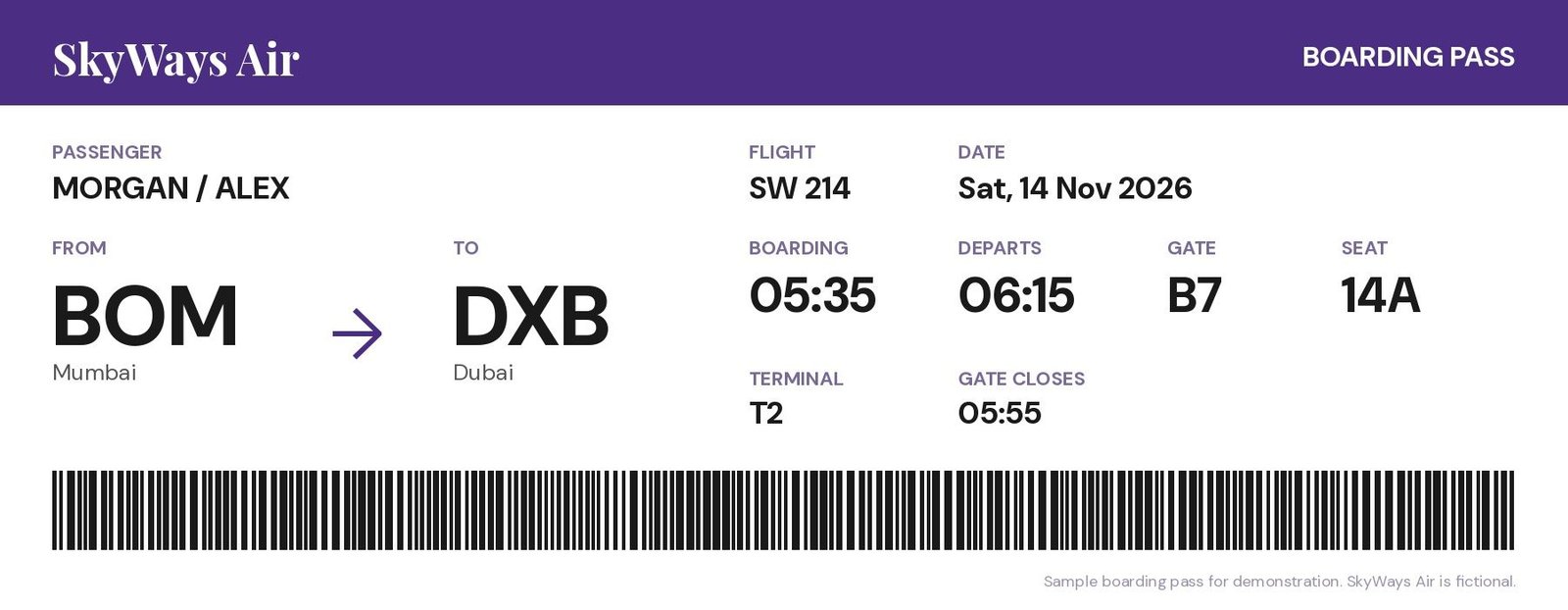
- Flight ticket
- Rent
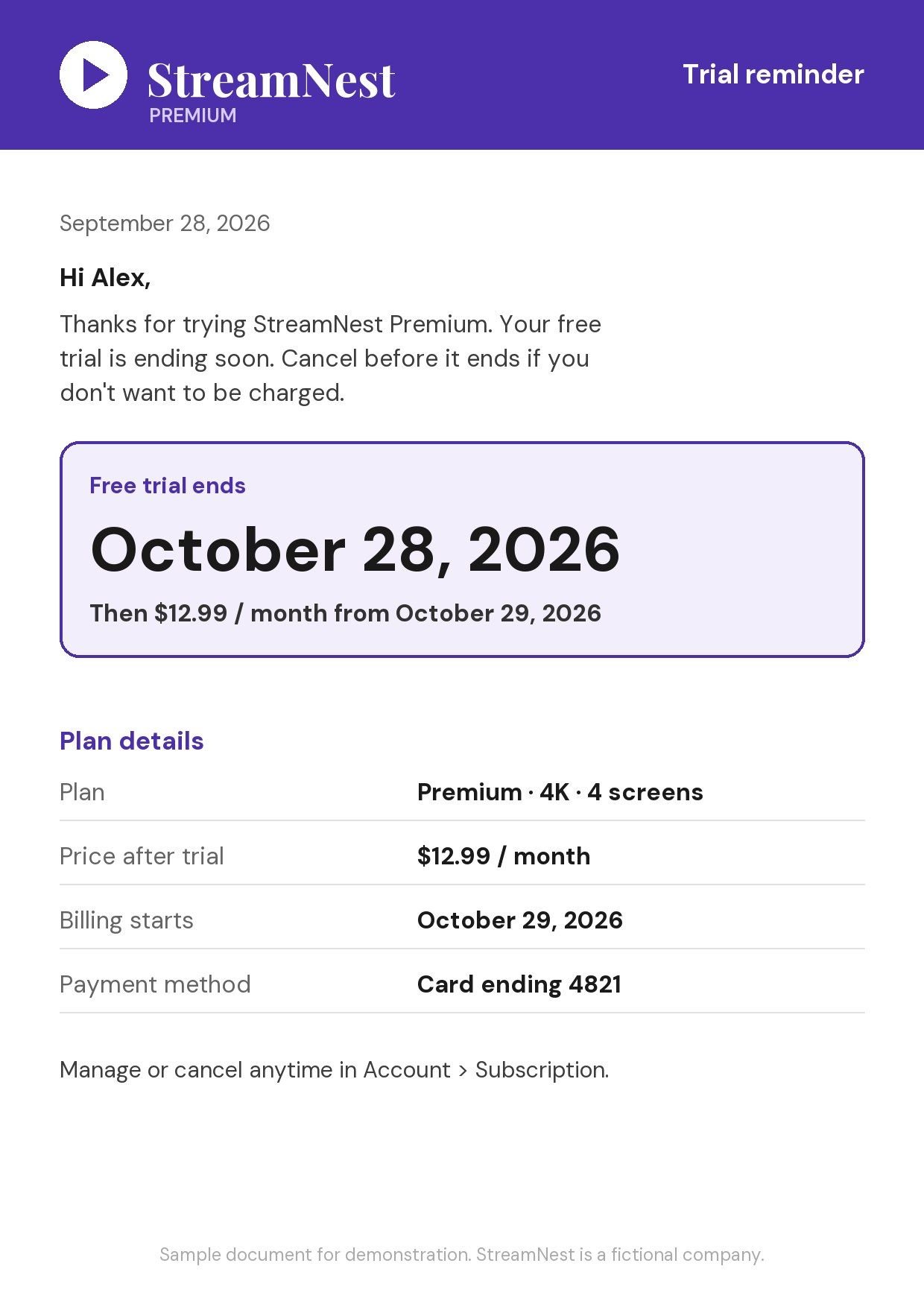
- Streaming subscription
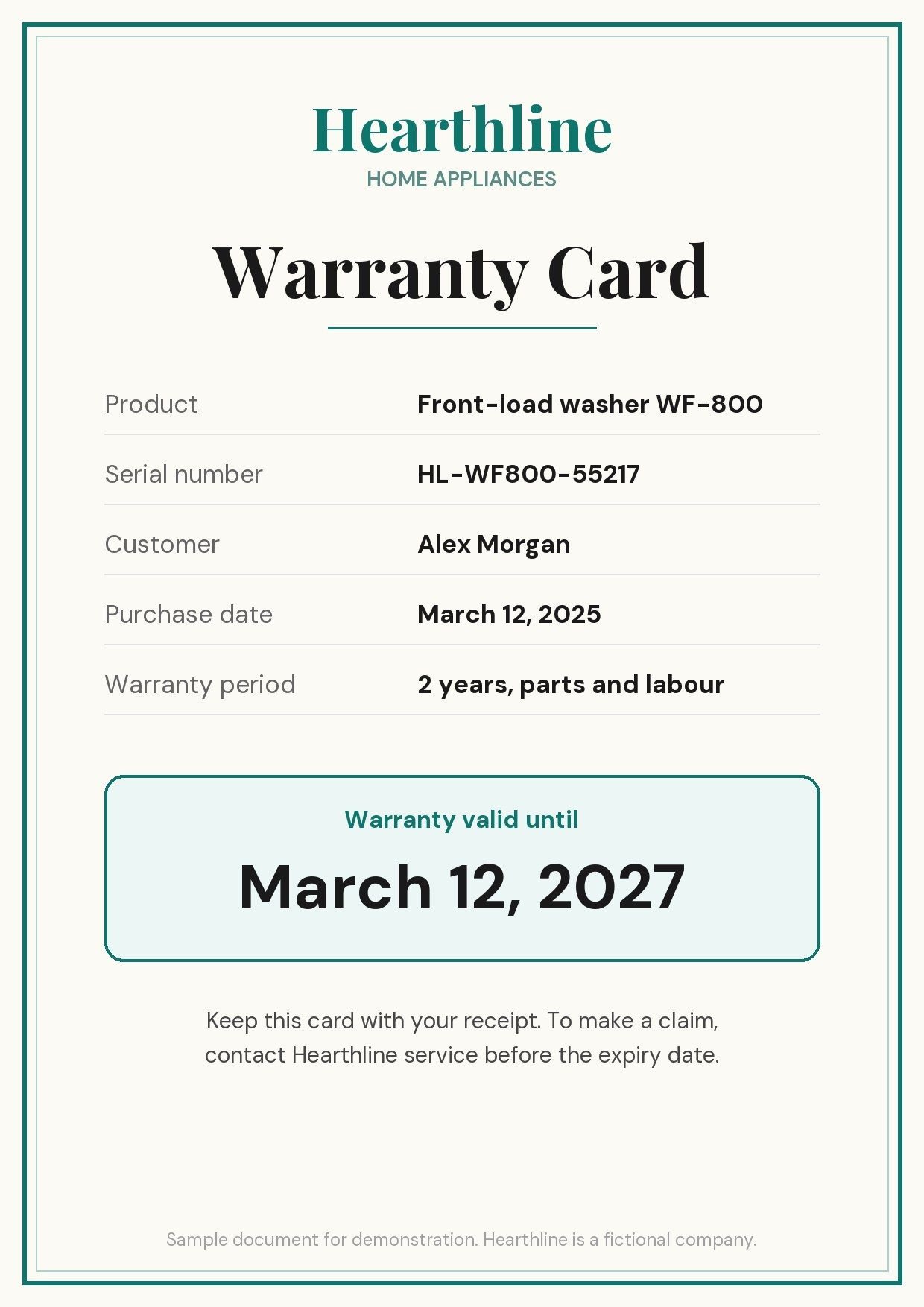
- Warranty card
- School event
- Credit card statement
- Conference pass
- Birthday invite
- Passport renewal
- Gas bill
- License renewal
If it has a date on it, Invited can remember it.
Three taps. Zero typing.
Snap or share.
Take a photo, pick a screenshot or PDF, or share from any app.
AI reads it.
Dates, times, places and amounts, in 80+ languages. You check them before saving.
Get reminded.
1 hour to 2 days before, your choice.
Our AI is finding your due dates & events...
Extracting bills, checks & invites
- Load
- Read
- AI
- Done
‹ BrightGrid Electricity Bill
- Pay bill: BrightGrid Electricity ($86.40)
- Late fee starts: BrightGrid ($5.00)
Wednesday, October 7
9:41
One document. Every date on it.
Most apps find one date. Invited finds all of them.
- Mehendi
- Haldi
- Sangeet
- Wedding Ceremony
- Reception
- Due date: BrightGrid ($86.40)
- Late fee starts: BrightGrid ($5.00)
What people scan
-
-
-
-
-
-
-
-
Any language. Any calendar.
Reads 80+ languages. Understands 9 calendars.
- October 8, 2026 → stays October 8, 2026
- Kartik Sud 5 → a real date in your calendar
- 1 Shawwal → the Eid date in your calendar
- 1 Tishrei → the Rosh Hashanah date in your calendar
- First day of the first month → Lunar New Year
- 1 Farvardin → the Nowruz date in your calendar
- Year 2569 → 2026
- 1 Meskerem → the Ethiopian New Year date
- Reiwa 8 → 2026
Reminded right on time.
Choose when you hear about it: 1 hour, 6 hours, 12 hours, 24 hours or 2 days before. Set your default once, and change it for any reminder.
- InvitednowPay bill: BrightGrid Electricity ($86.40) Tomorrow · BrightGrid Energy
- InvitednowCar insurance renewal Tomorrow · Harbor Mutual
- InvitednowWedding Ceremony Tomorrow at 7:00 PM · Lotus Grand Hotel
- InvitednowFlight SW 214 · BOM to DXB Tomorrow at 6:15 AM · Terminal 2
Simple, honest, yours
-
No signup.
Open the app and scan. No account, no email.
-
Your reminders stay on your phone.
Documents are read securely by AI to find dates; your reminder list is stored on your device.
-
You stay in control.
Review every date before saving. Edit or delete anytime.
Available in 80+ languages, on iPhone and Android.
Questions, answered
Is Invited free?
Invited is free to download. You get 3 free AI scans, and you can create unlimited reminders by hand. Invited Pro gives you unlimited AI scans and more; the current price is shown in the App Store and Google Play.
What can I scan?
Anything with a date on it: bills and utilities, cheques, insurance and renewals, subscriptions, invitations (weddings, birthdays, parties, conferences), appointments, tickets and travel, and warranties.
Which languages and calendars does it support?
Invited reads 80+ languages and understands 9 calendar systems: Gregorian, Vikram Samvat, Hijri, Hebrew, Chinese Lunar, Persian, Thai Buddhist, Ethiopian and Japanese era.
Does it work with PDFs and screenshots?
Yes. Take a photo with your camera, pick a photo or screenshot from your library, choose a PDF or document from your files, or share it to Invited from any app.
Can one invitation create multiple reminders?
Yes. One document can create several reminders. A wedding card with five functions becomes five reminders, and a bill can give you both the due date and the late-fee date.
Where are my reminders stored?
Your reminders are saved on your device.
How does the AI handle my documents?
To find the dates, the document you scan is sent securely to an AI service that reads it. Your reminder list is saved on your device, and you review every date before saving.
Do I need an account?
No. There is no account and no signup. Open the app and scan.
Snap it. Invited remembers it.
Free to download. 3 free AI scans. No signup.

download