Running a household means keeping track of dozens of dates that belong to different people: bills, school events, doctor’s appointments, birthdays, renewals. Most families rely on one person remembering everything, which is exhausting and fragile. Here is a way to set up a family calendar that mostly runs itself.
The principle: capture once, remind automatically
Every date should be written down once, at the moment it arrives, somewhere that will remind the right person at the right time. The work is in the capture; after that, reminders do the remembering.
Step 1: Know where dates come from
Take a week and notice where dates arrive in your house:
- Paper: school letters, appointment cards, bills, invitations.
- Messages: school and class chat groups, clubs, family chats.
- Email: bookings, renewals, receipts, newsletters.
- Apps: school portals, banking, delivery apps.
Each source needs a quick way in. If capturing a date takes more than a few seconds, it will not happen.
Step 2: Choose one home for dates
Pick a single place where every date lives. For shared events, a shared calendar that everyone can see works well. For personal reminders, like paying a bill or depositing a cheque, reminders on the phone of the person responsible.
The important thing is that there is one answer to “where do I check?”
Step 3: Make capture effortless
- Paper: photograph it the day it arrives, then recycle or file it.
- Screenshots and PDFs: share them straight into your reminder app.
- Recurring events: set them up once as repeating events.
Invited is designed for the paper and screenshot part: take a photo of a school letter, an appointment card or a bill, and it finds the dates, times, places and amounts and creates reminders. It reads 80+ languages, which helps in multilingual households.
Step 4: Give each type of date an owner
A calendar only runs itself if everyone knows who acts on what. For example:
| Type | Owner | Reminder |
|---|---|---|
| Bills and renewals | Parent A | 2 days before |
| School events and forms | Parent B | 24 hours before |
| Medical and dental | Whoever booked it | 24 hours and 1 hour before |
| Birthdays and invitations | Shared | 2 days before |
Step 5: Set reminders that match the action
Different dates need different warnings:
- Things to prepare for (a costume day, a form to sign, a gift to buy): 2 days before.
- Appointments: the day before to plan, and an hour or so before to leave.
- Payments: early enough for the money to arrive.
Step 6: A Sunday five-minute review
Once a week, look at the next seven days together. Who is driving where? Is anything clashing? Does anything need buying or signing? Five minutes on Sunday prevents most Monday-morning surprises.
Step 7: Tidy up every few months
Every season, remove old reminders, check recurring events are still right, and look at what slipped through the cracks. Fix the capture step for anything that did: if school notices keep getting missed, maybe they need a photo the moment they come out of the school bag.
Involving children and teenagers
Older children can own some of their own dates: club practices, homework deadlines, a friend’s birthday party. Giving them responsibility for their own reminders builds a habit that lasts. A simple approach:
- Under 10: a parent captures the dates; talk through the week together on Sunday.
- 10 to 13: the child photographs their own notices and a parent checks the week ahead with them.
- Teenagers: they manage their own reminders, and share anything that needs a lift, money or a signature.
When families use different languages
In many households, school letters arrive in one language, the family chat happens in another, and grandparents’ invitations come in a third. A capture method that reads any language saves a lot of translating. Invited reads 80+ languages, so a notice in Hindi, Arabic or Spanish becomes a reminder the same way an English one does.
What not to put in the family calendar
A shared calendar works best when it is not cluttered. Keep private reminders, like personal bills, on the phone of the person responsible, and share only what others need to know or act on. Fewer, clearer entries are more likely to be read.
A day in the life
- Monday: a school letter about a museum trip comes home. A photo, and the trip date, the payment deadline and the permission-slip date become three reminders.
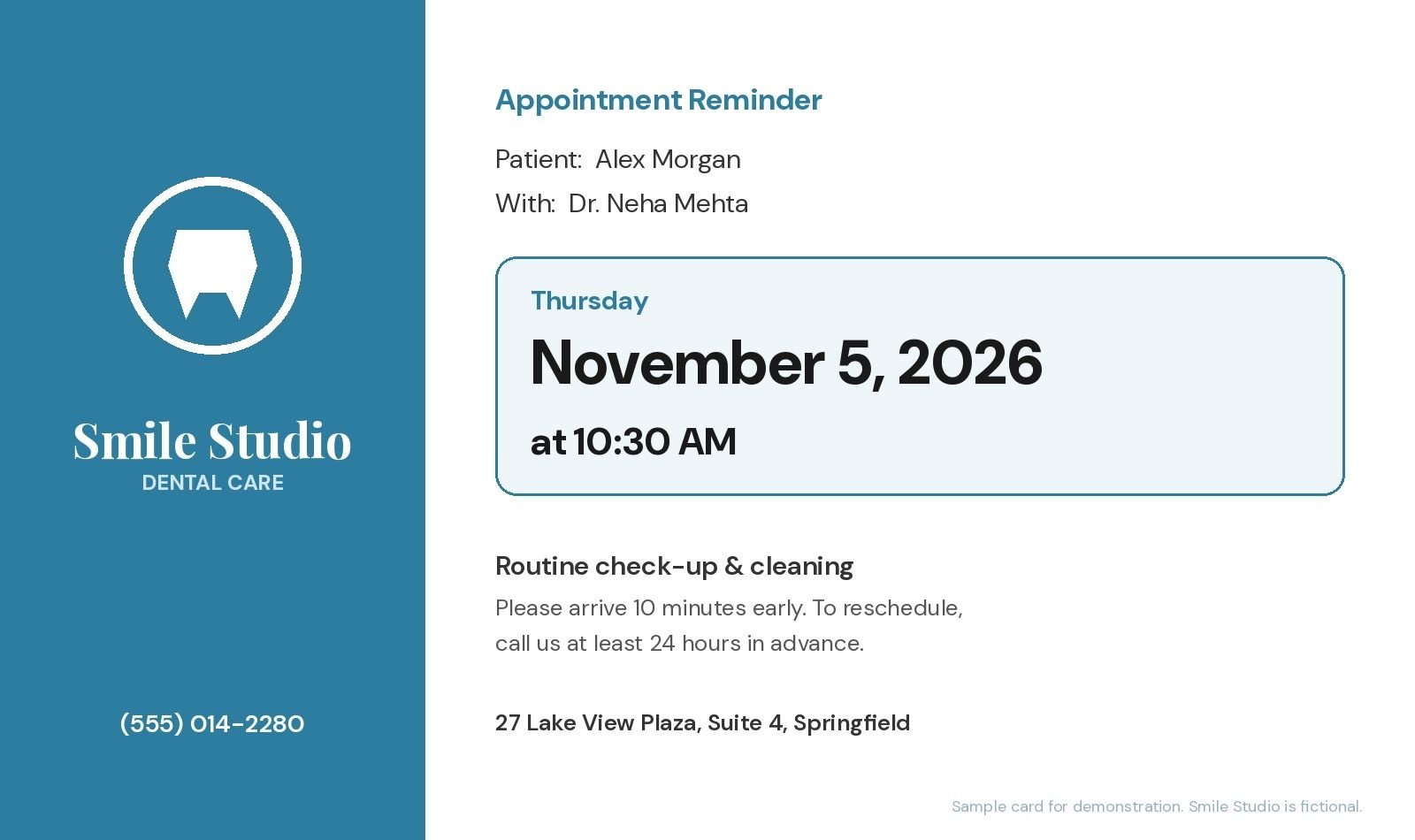
- Wednesday: the dentist hands over a card for the next check-up. A photo at the reception desk, done.
- Friday: an electricity bill arrives. A photo gives the due date and the late-fee date.
- Sunday: the weekly look-ahead shows the museum payment is due Tuesday. Paid in two minutes.
Nothing was memorised, and nothing was missed. That is the whole idea.